Social media images
One idea. Every social frame.
Create the anchor image, then give the subject and message the space each surface needs. A crop is a starting point, not the finished composition.
Generate a square post, a vertical story, a feed image, or a thumbnail while keeping the visual direction recognizable from one format to the next.
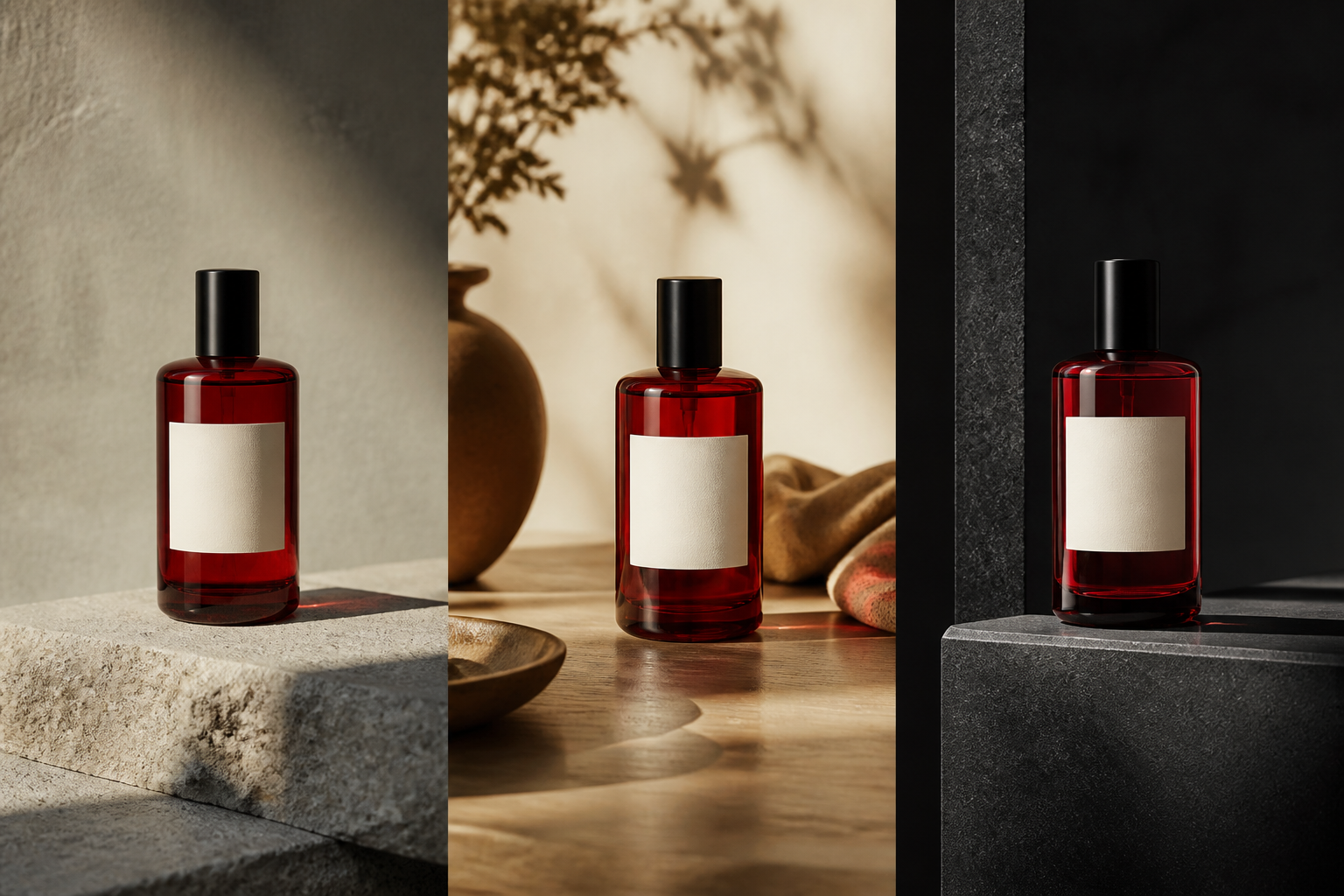
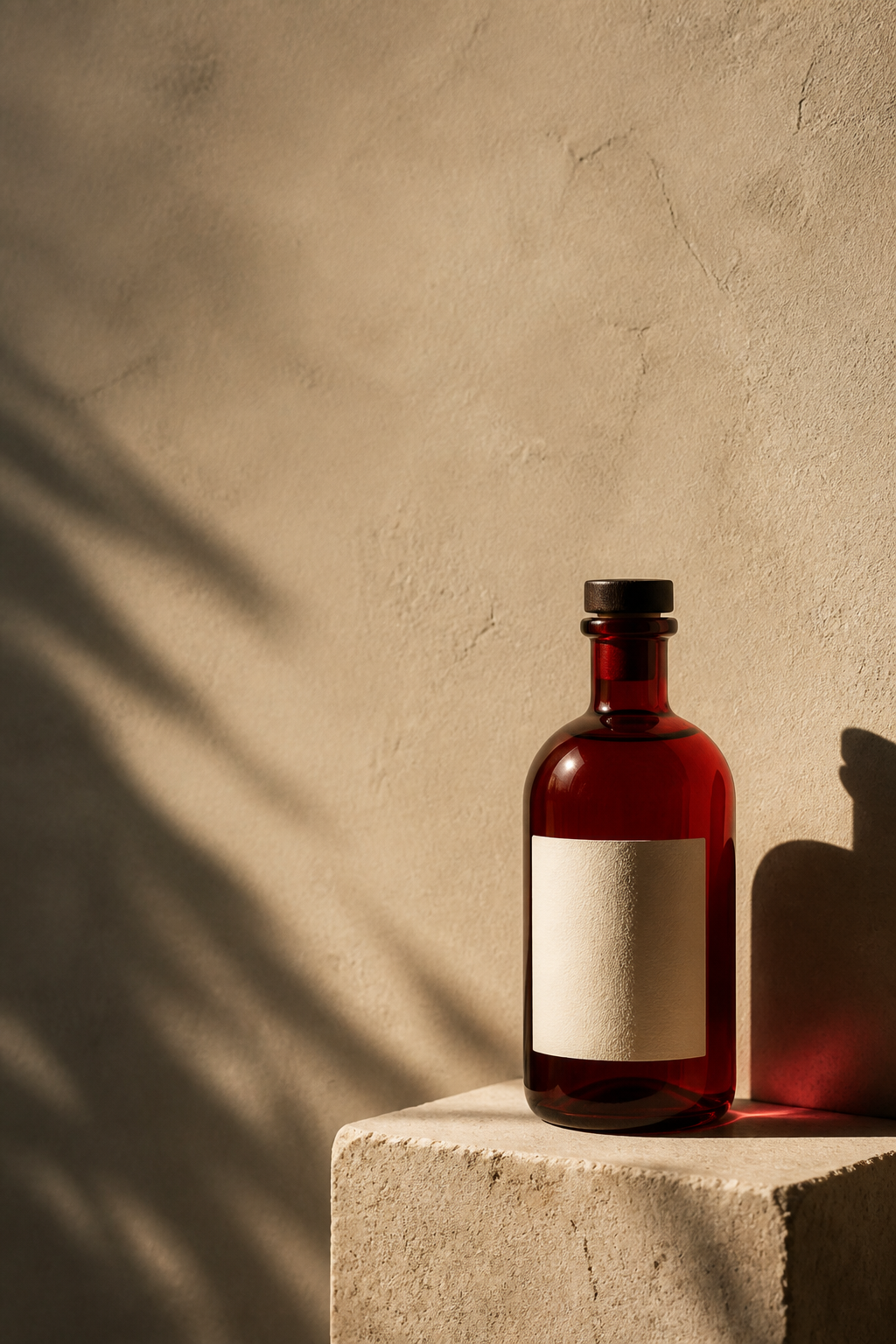
A message needs its own room
Make the frame carry the idea.
Social images compete with everything around them. Keep the visual direction clear, then adapt the scale, negative space, and hierarchy so the subject and the message still read in the next scroll.
“Keep the product and the campaign idea. Give the headline more room above the subject for the vertical story.”
What stays true
The frame changes. The idea does not.
Start with one useful direction, then describe what the next surface should reveal, emphasize, or leave room for. Smart Resize is a creative decision, not a forced crop.
- 01
Primary subject. Keep the person, product, or visual anchor recognizable at the next size.
- 02
Message hierarchy. Preserve the words and emphasis that make the image worth stopping for.
- 03
Visual identity. Carry the brand, character, product, or style into the new composition.
- 04
Focal point. Give the eye one clear place to land, even when the frame gets smaller.
One direction, four surfaces
Give each format a job.
Choose the composition around the audience’s next view, not around the crop that happened to work first.
- 01
Square post. Balance subject, message, and negative space for a compact feed composition.
- 02
Vertical story. Give the subject height, make room for context, and keep the important detail above the fold.
- 03
Feed image. Build a strong focal point that still reads when the image is one of many in a scroll.
- 04
Thumbnail. Reduce the visual to one clear subject, contrast, and reason to look closer.
Smart Resize
Resize is a creative decision, not an afterthought.
Protect the subject and the message, then describe what the new frame should reveal, emphasize, or leave open. Imagine Image can turn a square illustration into a vertical story or a wider campaign surface without treating the scene as a stretched crop.
Keep the direction. Change the composition that lets it work.
A useful brief says
Keep: the primary subject, message, identity, and visual focal point.
Change: the framing, negative space, scale, and placement for the next surface.
Check: readability at the size where the audience will actually see it.
The social workflow
Carry the creative direction through the set.
Build the anchor first, then make each version answer the needs of the surface where it will live.
- 01
Name the message. Describe the audience, subject, action, mood, words, and visual priority.
- 02
Create the anchor. Generate the image that gives the rest of the set a recognizable direction.
- 03
Edit precisely. Fix typography, color, background, object placement, or the detail that is not right.
- 04
Make a variant. Explore another hook, pose, lighting direction, or message while keeping the idea.
- 05
Adapt and reuse. Resize for post, story, feed, thumbnail, ad, or the next campaign surface.
Keep creating
Every social asset can become the next input.
Keep the strongest direction moving into another edit, another frame, or the campaign surface that comes after the post.
Questions before publishing
The format changes. The visual direction keeps working.
Use the answers below as a brief for the next frame, not as a limit on what the image can become.
- What are AI social media images?
- They are images created for social surfaces such as square posts, vertical stories, feeds, thumbnails, and ads, with the composition adapted to each format.
- Can I turn one image into multiple social formats?
- Yes. Start from a useful direction, preserve the subject and message, then use variations and Smart Resize to create the next format.
- How do I keep text readable in social images?
- Include the exact words, hierarchy, placement, and amount of room the message needs, then edit the typography in context when the first result is close.
- What can I do after creating a social image?
- Make another variation, edit a detail, resize the frame, remove the background, or use the result as a reference for the next post or campaign.
One idea. Every social format.
Make the next surface part of the creative process.
Create the anchor, keep the message clear, and carry the idea into the formats your audience will actually see.
Create social images