Consistent character AI
Create the same character across new images.
Use a character reference to preserve recognizable visual traits while changing pose, expression, camera angle, clothing, or environment.
Imagine Image keeps the identity visible as the story moves forward, so a reference becomes a starting point for more than one image.
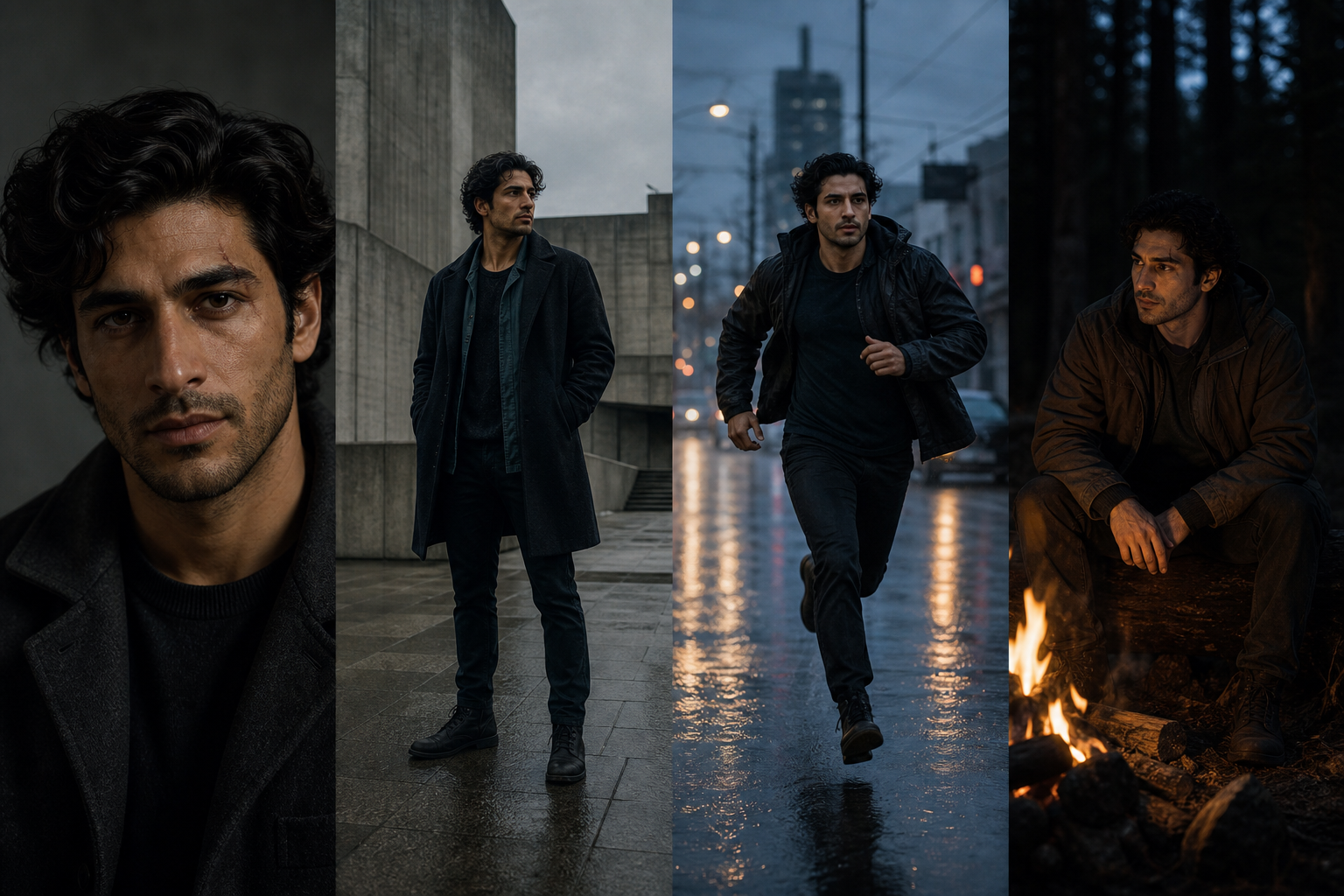
Multi-reference creation
A character reference is an anchor, not a cage.
Keep the character from one image, the outfit from another, and the world or lighting from a third. Tell Imagine Image which decision each reference should contribute.
Combine the identity. Change the moment. Keep the story recognizable.
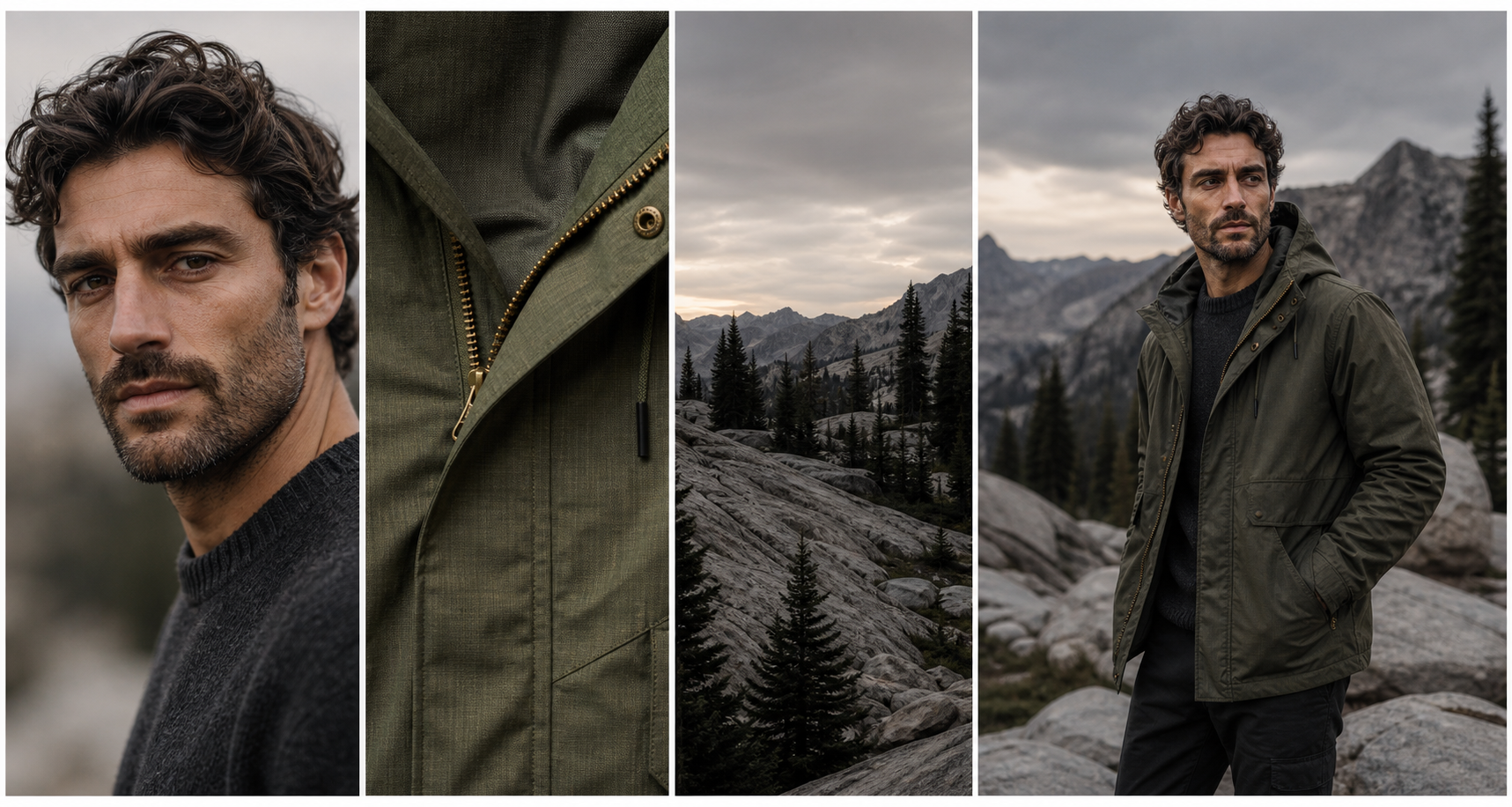
Precise editing
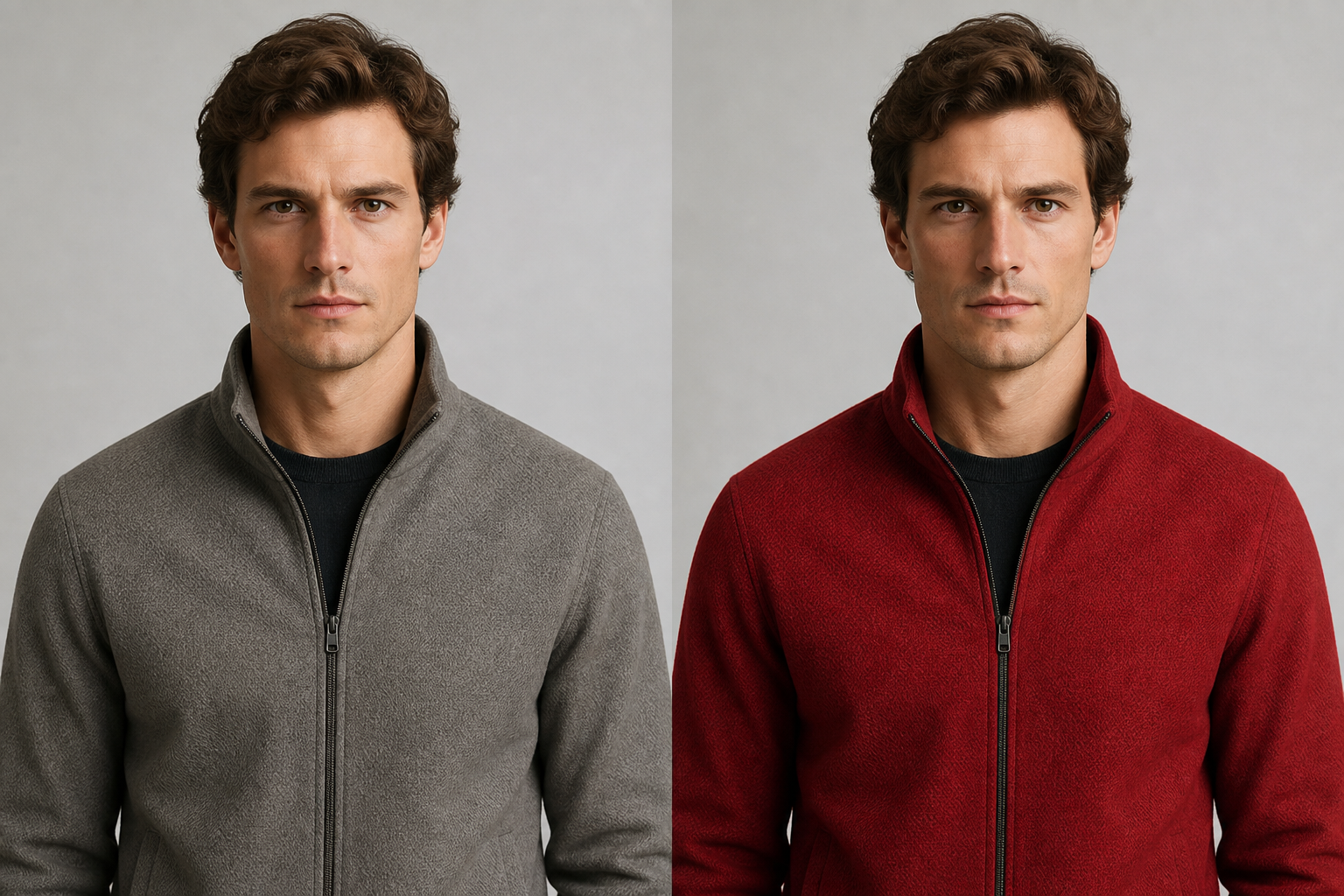
Change the jacket. Keep the character.
A consistent series still needs correction. Describe the clothing, material, expression, or lighting change without rebuilding the identity every time.
“Keep the same character. Make the jacket red leather. Preserve the face, hair, pose, and lighting.”
Keep identity. Change the moment.
Make the next prompt easier to direct.
Name the identity anchors first, then describe the new visual decision. This keeps the prompt about the next moment instead of reinventing the character every time.
- 01
Keep the face. Preserve face shape, distinctive hair, marks, proportions, and expression range.
- 02
Keep the visual language. Carry the palette, materials, silhouette, and recognizable style forward.
- 03
Change one moment. Direct a new pose, emotion, outfit, setting, lens, or light.
- 04
Carry the result. Use the strongest new image as a reference for the scene after it.
A useful character brief
Separate what stays from what changes.
The most useful instruction makes the visual relationship explicit. It tells the model what belongs to the identity and where the next image should take it.
“Keep the same character. Change the pose to a running profile in a rainy city street.”
Instruction pattern
Preserve: identity, face, silhouette, palette, and defining marks.
Change: action, expression, clothing, camera, environment, or light.
Reuse: the strongest result as the next visual reference.
The consistency workflow
Give the series a stable center.
Consistency comes from a clear reference and intentional variation, not from repeating the same prompt forever.
- 01
Establish the anchor. Choose the image that best shows the character’s defining traits.
- 02
Name what stays. Describe identity details that should remain recognizable across the series.
- 03
Change one moment. Direct a new pose, expression, outfit, camera, or environment.
- 04
Refine and reuse. Edit a detail, vary the result, or use the strongest image as the next reference.
Where it helps
Keep a story, set, or design system coherent.
Character consistency is useful whenever the same identity needs to appear more than once without every image feeling identical.
- 01
Character stories. Move one protagonist through new scenes, emotions, and story beats.
- 02
Game assets. Develop portraits, poses, outfits, icons, and environment moments from one identity.
- 03
Social series. Build recurring characters for posts, thumbnails, covers, and episodic formats.
- 04
Editorial worlds. Keep a recognizable subject while changing the visual language of each image.
Keep creating
The next image is already part of the series.
Keep the identity moving into another variation, a precise edit, or a reusable transparent asset.
Questions before the next image
The identity stays useful while the story keeps opening.
Use the answers below as a brief for the next character image, not as a limit on what the character can become.
- What is consistent character AI?
- It uses a character reference and clear instructions to help preserve recognizable identity across new images with different poses, expressions, clothing, and environments.
- Does it create perfect character consistency?
- No image system should promise perfection. Imagine Image is designed to preserve recognizable character identity while giving you control over the next visual moment.
- What should I include in a character reference?
- Choose an image where the face, silhouette, hair, proportions, defining marks, and palette are easy to see. Then state which traits should remain fixed.
- What can I do after creating a character image?
- Make a variation, edit a detail, remove the background, resize the composition, or use the strongest result as a reference for the next scene.
One identity. Many moments.
Give your character somewhere new to go.
Start with the traits that make the character recognizable, then build the next image around a new decision.
Create a character series