What is an AI image variation generator?
It creates alternative versions of an existing image or visual direction while preserving the core idea, subject, style, or identity you choose to keep.
AI image variations
Create similar images from a direction you already like. Keep the subject, concept, or visual language, then explore a different composition, lighting, pose, detail, or environment.
Keep the direction
One direction. More than one answer.
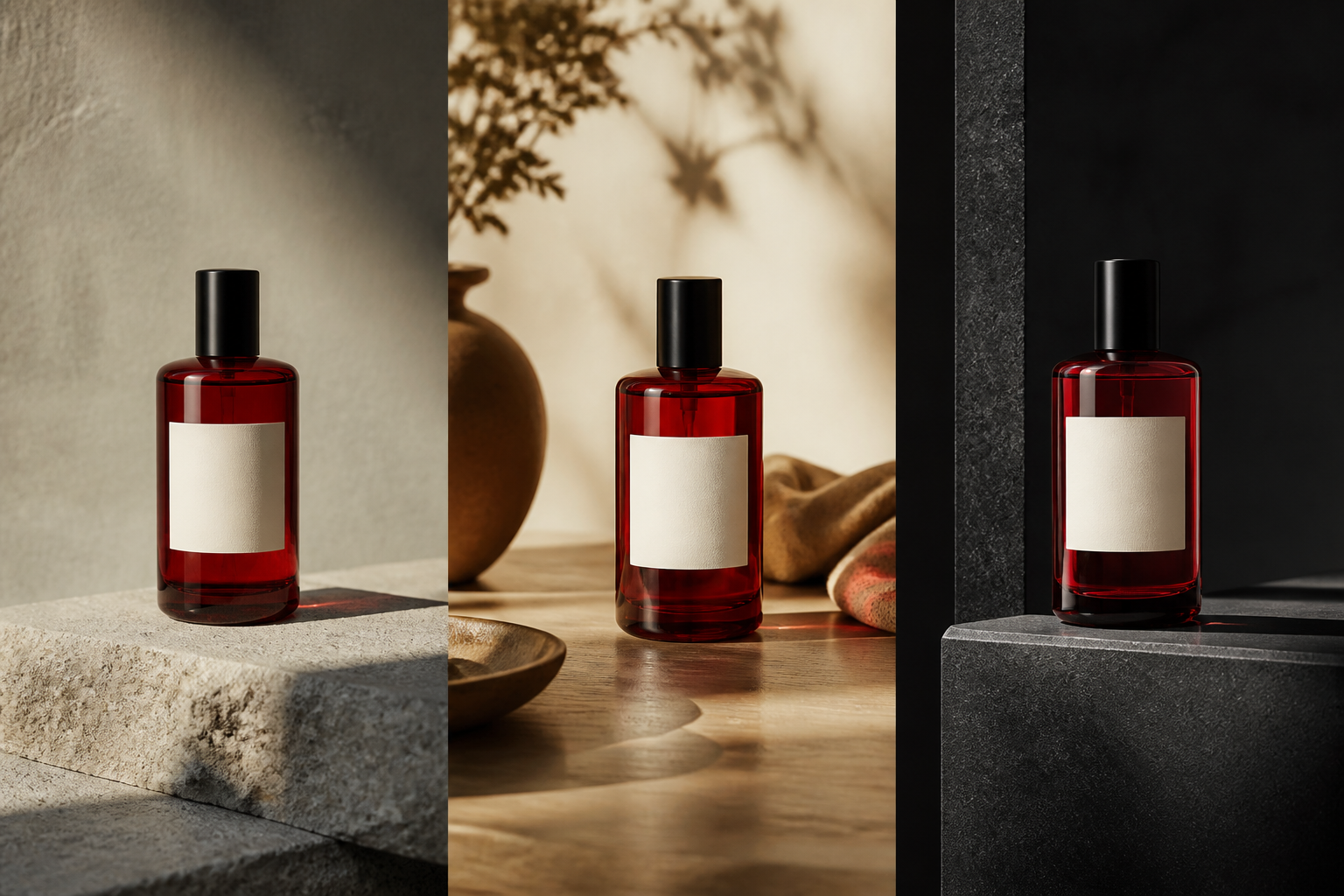
Variations let one useful product image open into studio, lifestyle, and campaign directions without losing the shape, label, or color that made it work.
What it is
An image variation keeps a useful direction alive while opening up controlled alternatives.
Not Generate Again
A good result already contains decisions worth keeping. Variations let you ask a focused question: what if the camera moved, the light changed, the pose opened up, or the setting became quieter?
Keep the thread of the image, then choose the version that takes the work somewhere more useful.
What can change
Choose the dimension you want to explore so each variation answers a creative question.
Keep the direction
Subject identity
One useful image
Try a closer crop, a wider relationship, a new balance, or a different focal arrangement.
Explore morning light, hard flash, soft shadow, dusk, or a more dramatic atmosphere.
Keep the subject and direction while changing gesture, expression, camera angle, or movement.
Test another material, color, prop, typography treatment, or product configuration.
Place the idea in a new room, landscape, street, season, or editorial context.
Adapt the visual emphasis for a new campaign angle, audience, headline, or format.
A useful variation brief
Start from a product image that already works. Keep its shape, color, and identity, then ask for a warmer light, a wider lifestyle scene, and a quieter background for a second campaign direction.
Variation brief
Keep: product shape, label, color
Explore: light, framing, environment
Compare: studio, lifestyle, editorial
Next: edit, resize, or use the winner as reference
How to create variations
Variation works best when you know which parts are settled and which part you are still exploring.
01
Choose the image, prompt, or reference that already has something right.
02
Keep the subject, identity, style, product, or core message explicit.
03
Ask for a new composition, lighting, pose, detail, environment, or message.
04
Edit the strongest version, resize it, or use it as a reference for another set.
Keep identity
Combine character, product, style, pose, or environment references when the next variation needs a stronger visual anchor.
Create from references →Explore a new direction
Variations keep the direction. Reimagine moves from photography to illustration, from product to world, or from one visual language to another.
Start a new direction →It creates alternative versions of an existing image or visual direction while preserving the core idea, subject, style, or identity you choose to keep.
Generate Again starts over. A variation starts from a useful image and explores a specific open decision such as composition, lighting, pose, detail, or environment.
Keep the subject, product details, character identity, visual language, composition, or message, then describe the part you want to explore.
Edit a detail, resize the frame, remove the background, use the result as a reference, or make another controlled variation.
Keep the idea moving
Start from an image you like, name what matters, and explore the creative decision that is still open.
Create a variation