Ecommerce images
One product. Every image your storefront needs.
Create a clear listing hero, a useful detail image, a credible lifestyle scene, and campaign-ready formats from one product reference.
Imagine Image keeps the product recognizable while the setting, composition, lighting, and message change around it.
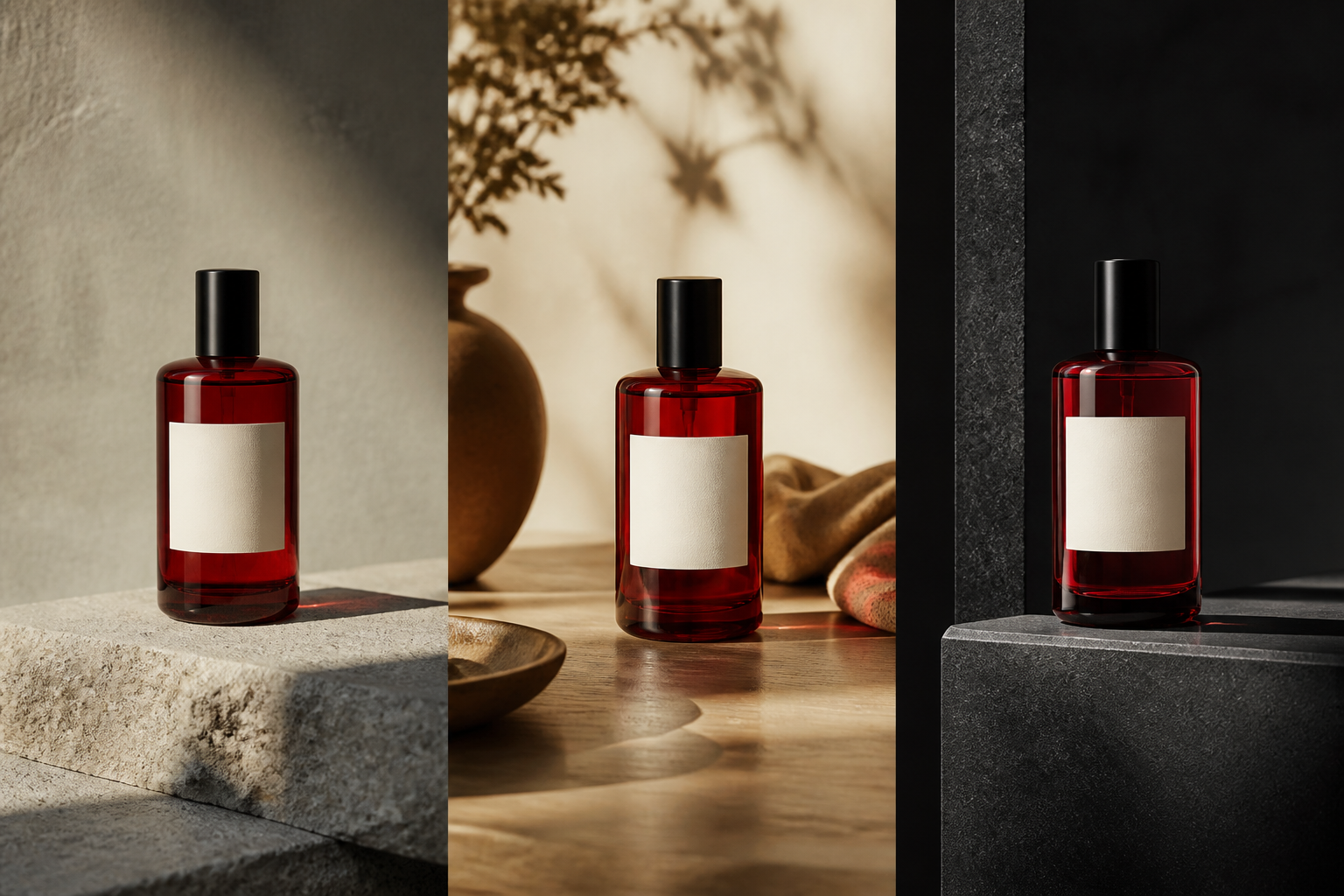
The image set
A storefront image should answer a question.
Build the set in the order shoppers experience it. Start with recognition, then give the product enough detail, context, and reason to be chosen.
- 01
Listing hero
Can I recognize the product immediately? Give its shape, color, label, and silhouette room to read.
- 02
Detail view
What should I understand before I choose it? Show the texture, mechanism, finish, or construction.
- 03
Lifestyle scene
Where does it belong? Put the product into a credible environment so use and scale become tangible.
- 04
Campaign format
Why this product now? Change the setting, palette, or message for a launch, season, or collection.
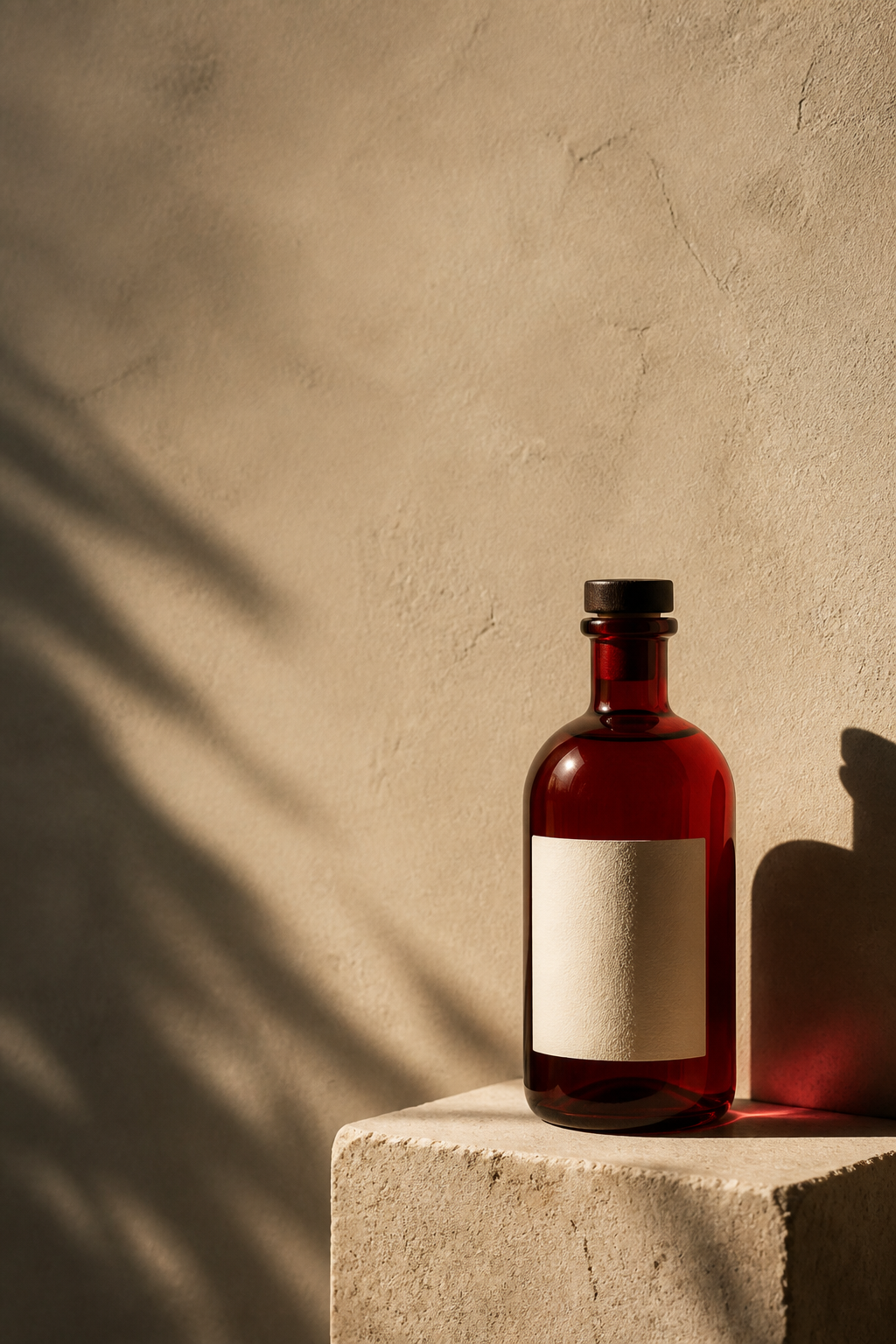
From storefront to campaign
Give the product a reason to be remembered.
A clean product image earns trust. A considered scene gives it meaning. Use the same reference to create a visual with the space, hierarchy, and typography a campaign needs.
Keep the bottle. Change the world around it. Make the message visible.
Product continuity
Change the presentation without changing the thing being sold.
Start from the product reference that shows the important truth. Name what must remain clear, then direct the next scene with the parts that can move.
“Keep the exact bottle shape, red glass, label, and proportions. Place it on a sunlit kitchen counter with a warm morning palette and room for a headline.”
- Preserve
- Shape, label, color, material, construction, and useful detail.
- Change
- Background, surface, prop, crop, lighting, season, and message.
- Reuse
- The strongest result as the reference for the next storefront or campaign image.
The storefront workflow
Build from the product outward.
Clarity comes first. Context, correction, and new formats follow from the image that already works.
- 01
Choose the reference
Use the product image that best shows shape, label, material, and scale.
- 02
Create the hero
Generate a clean, high-clarity listing image with useful negative space.
- 03
Add context
Create detail, lifestyle, comparison, or seasonal scenes around the same product.
- 04
Refine the set
Edit a background, prop, label, shadow, or detail without rebuilding every image.
- 05
Adapt and reuse
Resize for mobile, store, social, ad, email, or the next product launch.
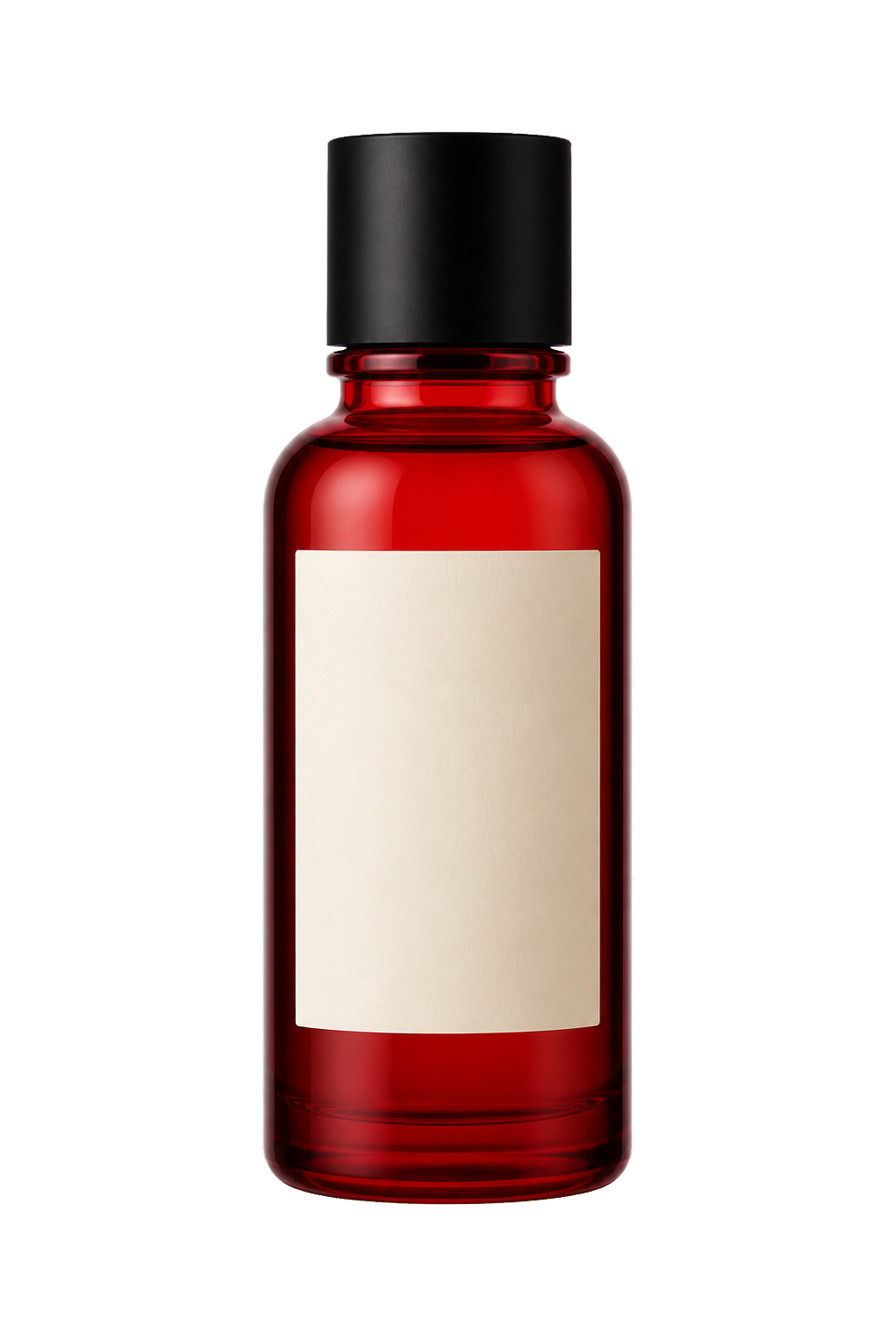
Make it reusable
The storefront image is not the final asset.
Remove the background when the product needs a new home. Keep refining the subject, place it into a new composition, resize the scene, or save the cutout for a future collection and campaign.
Make a reusable product cutout →Where the set goes
One product direction, many storefront surfaces.
Keep the visual identity coherent while the placement changes its job.
- 01
Product page
Clarity, details, comparisons, and a reliable sense of scale.
- 02
Paid campaign
Stronger composition, a clear message, and room for typography.
- 03
Social launch
A new crop, format, or scene that earns attention without losing the product.
- 04
Seasonal collection
A changed world around the same product identity and design language.
Keep exploring
Make a product variant for a new message.
Keep the product recognizable while testing another angle, environment, season, or campaign emphasis.
Create ecommerce variations →Build the next scene
Turn the product into a complete campaign.
Move from the listing image to product photography, social formats, and a visual direction that can keep expanding.
Build a product campaign →Questions shoppers ask
Ecommerce images FAQ
- What are AI ecommerce images?
- They are product visuals created for storefronts and product pages, including listing heroes, detail views, lifestyle scenes, and seasonal campaign images.
- How do I keep product images consistent?
- Use the same product reference and state the shape, label, material, color, and proportions that must remain recognizable across the image set.
- Can I create lifestyle images from one product photo?
- Yes. Start from the product image, describe the environment and use case, and keep the product identity explicit while the scene changes.
- What can I do after creating ecommerce images?
- Make a variation, edit a detail, remove the background, resize for another placement, or use the strongest image as a reference for a new product direction.
One product. A complete image set.
Give shoppers the image they need next.
Start with one product reference, build the hero, add context, and adapt the set for every storefront surface.
Create ecommerce images