What is a reference image generator?
A reference image generator creates a new image from text instructions plus visual references that guide identity, product details, pose, style, outfit, or environment.
Reference image generator
Use one or more visual references to guide a new image. Give the character, outfit, product, pose, style, or environment a clear job, then describe what should stay and what should change.
Text + images → new image
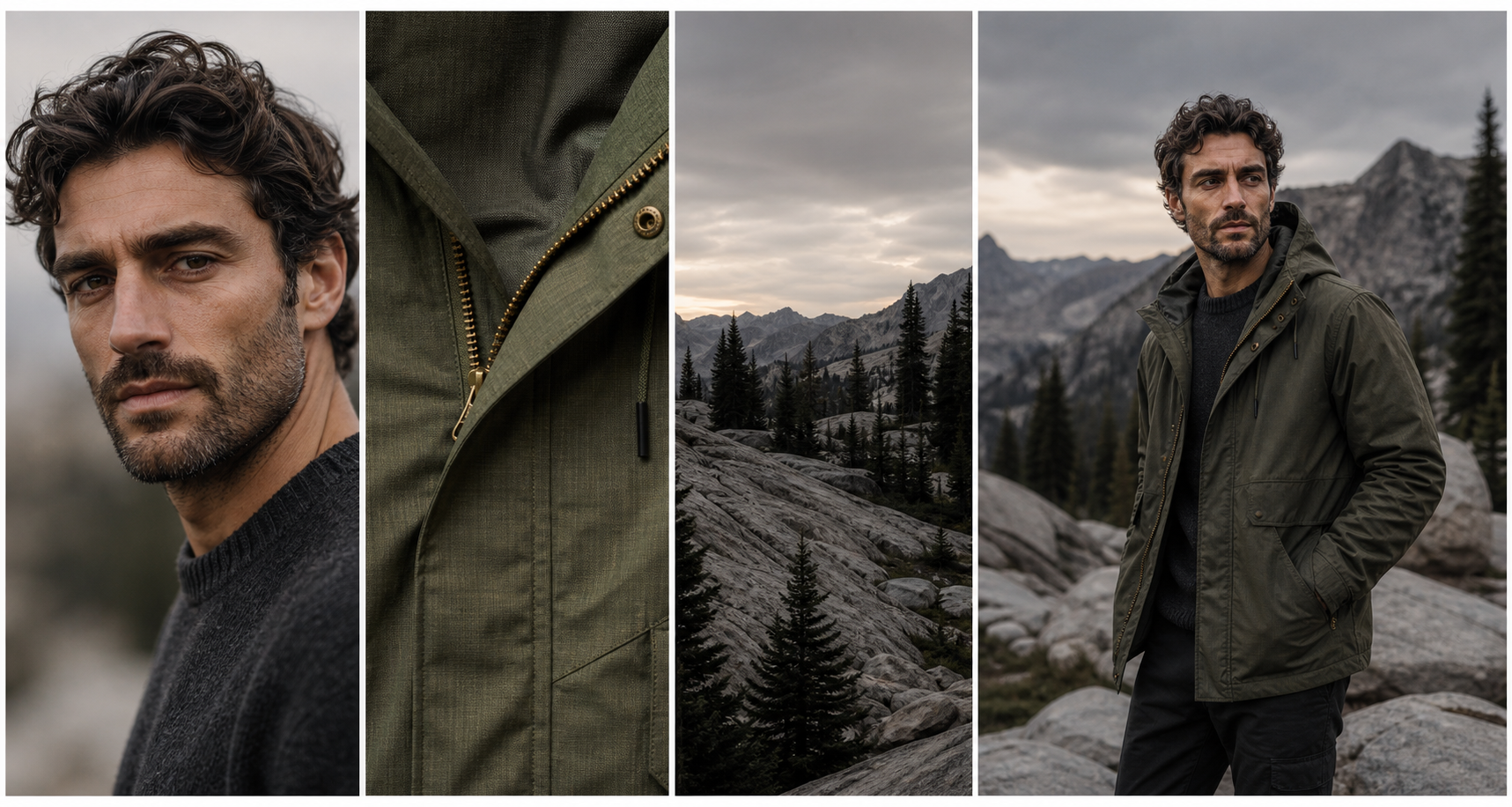
Reference becomes direction
References work when they contribute something specific. Imagine Image can carry the face from one image, the material from another, and the setting from a third.
What it is
A reference image gives Imagine Image visual information for a new creation.
More than upload
A reference can anchor a recognizable face, a product shape, a fabric, a camera angle, a color language, or the feeling of a place. Naming that role gives the generation a clearer brief than asking the model to blend a pile of images together.
Combine visual information with a precise instruction, then keep refining from the result.
Give every reference a job
Different references are useful because they carry different decisions. Keep the roles explicit so the result has somewhere precise to go.
01
Preserve recognizable traits while changing the moment, pose, expression, or scene.
02
Keep the product’s shape, details, and identity while creating a new shot or background.
03
Guide the visual language, palette, material, or treatment without copying the original subject.
04
Borrow the gesture, camera relationship, or body language for a new subject or character.
05
Set the architecture, atmosphere, lighting, or spatial context around the focal point.
06
Carry clothing, material, accessories, or styling into a character or editorial direction.
A useful instruction
Use a character reference for identity, an outfit reference for materials, and an environment reference for the setting. Then state the new pose, camera angle, and mood in the prompt.
Prompt structure
Keep: face, silhouette, hair, defining marks
Borrow: jacket material and mountain environment
Change: three-quarter pose, evening light, wide frame
Result: the same character in a new visual moment
How to use references
Clear roles and clear constraints make reference-based creation more controllable and easier to refine.
01
Select the images that contain the decisions you want to carry forward.
02
Explain which reference controls identity, product, style, pose, or place.
03
Describe the new composition, action, format, lighting, or message.
04
Edit a detail, make a variation, resize the frame, or save a new reference.
Keep identity
Turn a character reference into a repeatable visual anchor, then explore new poses, expressions, clothing, and environments.
Explore character consistency →Keep direction
Use the result or a reference as the starting point for controlled variations in composition, lighting, pose, detail, or environment.
Explore image variations →A reference image generator creates a new image from text instructions plus visual references that guide identity, product details, pose, style, outfit, or environment.
Yes. Give each image a role and explain how those roles should combine instead of asking the model to blend them without direction.
Say what to preserve, what each reference contributes, and what should change in the new composition. Concrete constraints make the next decision easier to evaluate.
Edit a selected detail, create a variation, remove the background, resize the composition, or use the result as a new reference.
Text + images → new image
Bring the visual decisions that matter into the workspace, then make the next image yours.
Create from references